

![[Cydia] 簡易 iPhone 操控板!NCSettings](https://check.unwire.hk/wp-content/uploads/2012/05/ncsetting01-333x500.jpg)
自從 Pod2g 團隊前天推出了為 iOS 5.1.1 而設的完美版 Jailbreak 工具後,相信不少用家也已為手中愛機越獄,令它重獲「自由」了吧。不少人以往為了更方便開關 Wi-Fi、3G、藍牙等無線傳輸功能,也會安裝 SBSetting 這款免費軟件,但小編最近就找到另一款更容易使用的類似功能程式 NCSettings,它將整個操控面板收藏在通知中心內,使用上比 SBSetting 更方便!對於已 Jailbreak 的朋友,小編強烈建議大家試用一下。
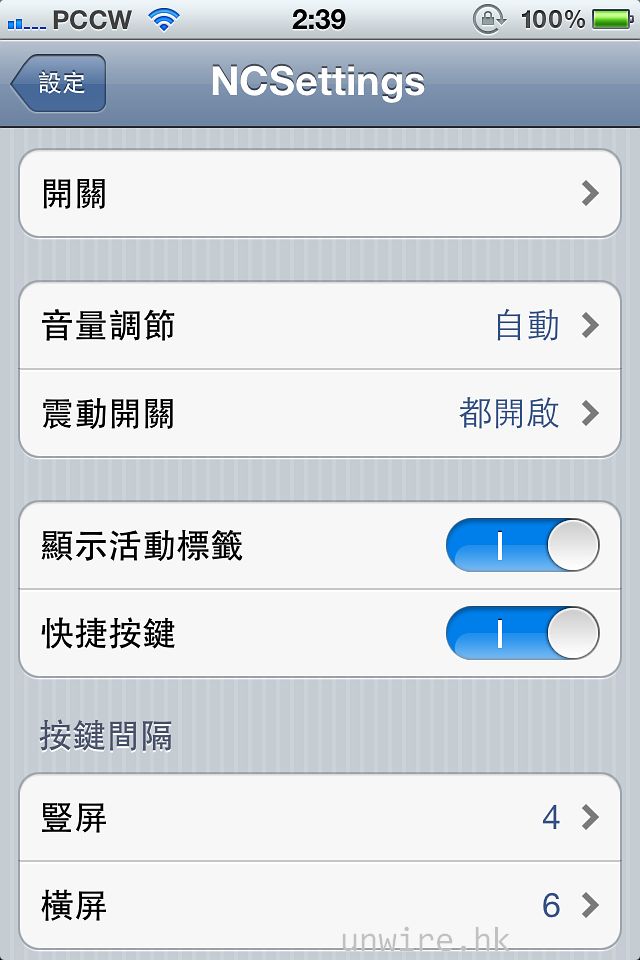
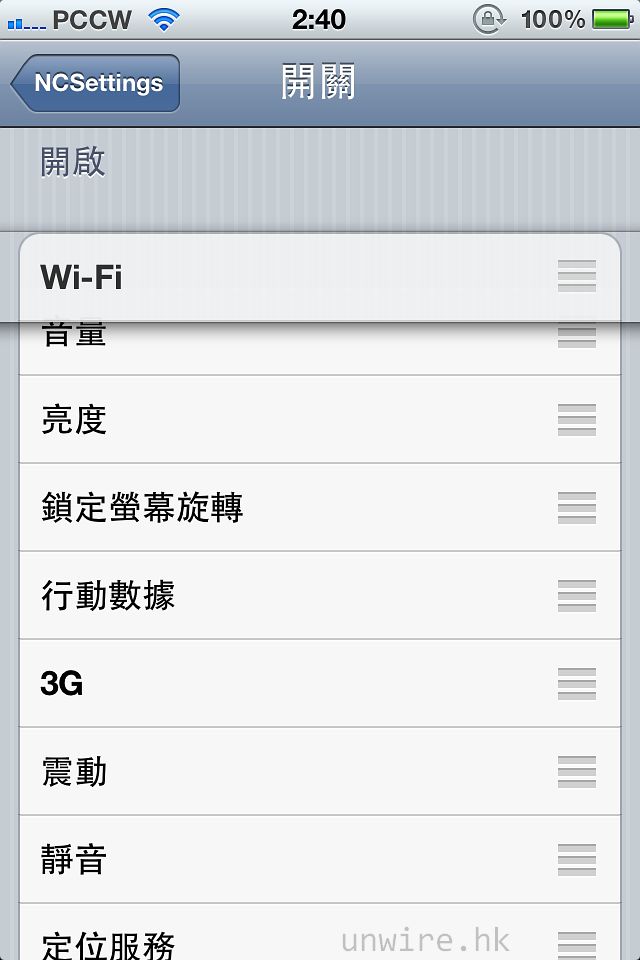
從 Cydia 搜尋 NCSettings,然後安裝後重新啟動 Springboard,再進入「設定」,然後再點按「NCSettings」,就可以在「開關」內設定使用 NCSettings 開關甚麼功能,亦可以調換次序。
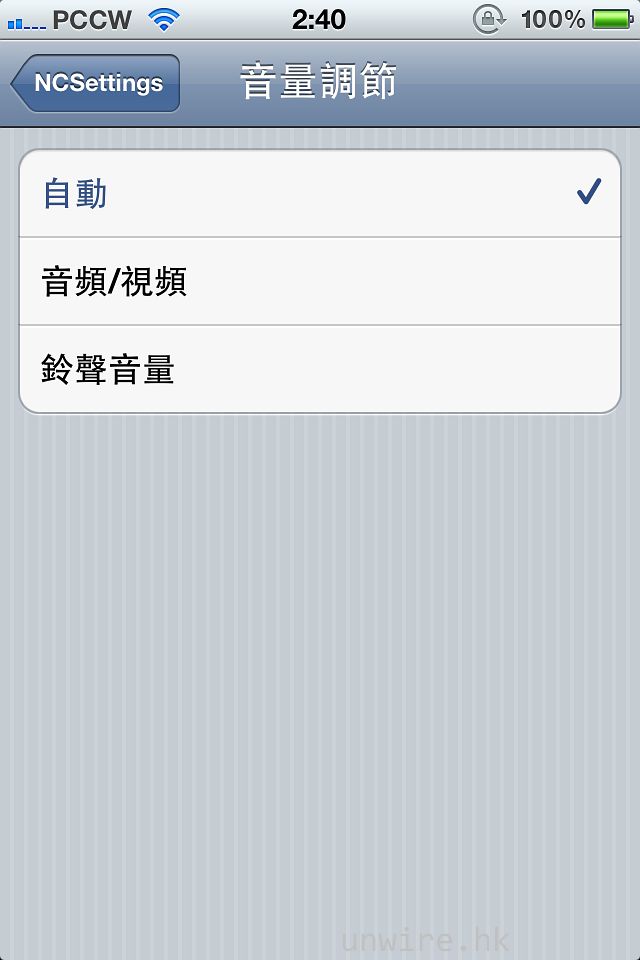
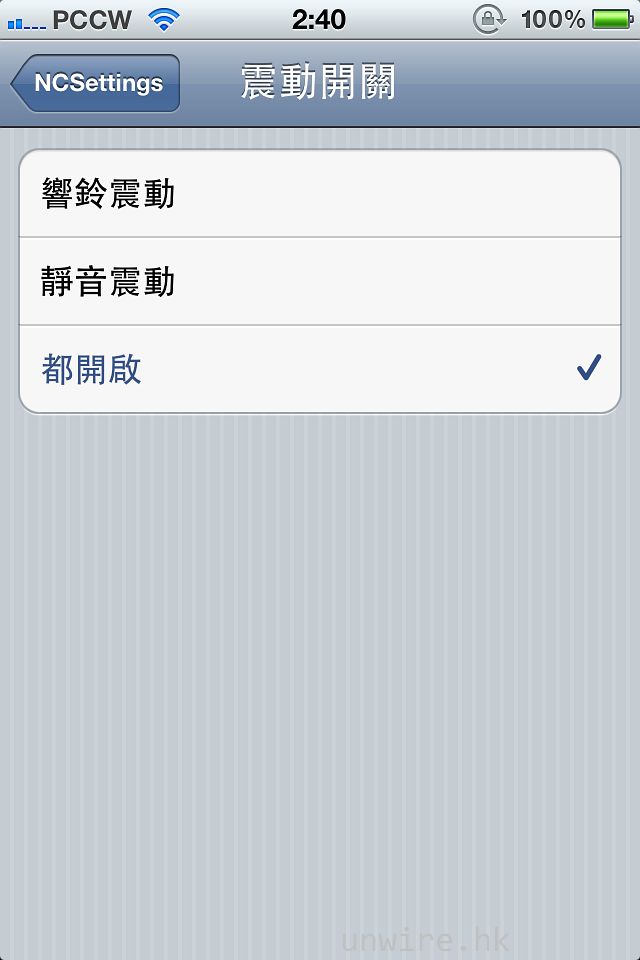
設定中可就音量及震動進行更詳細設定。
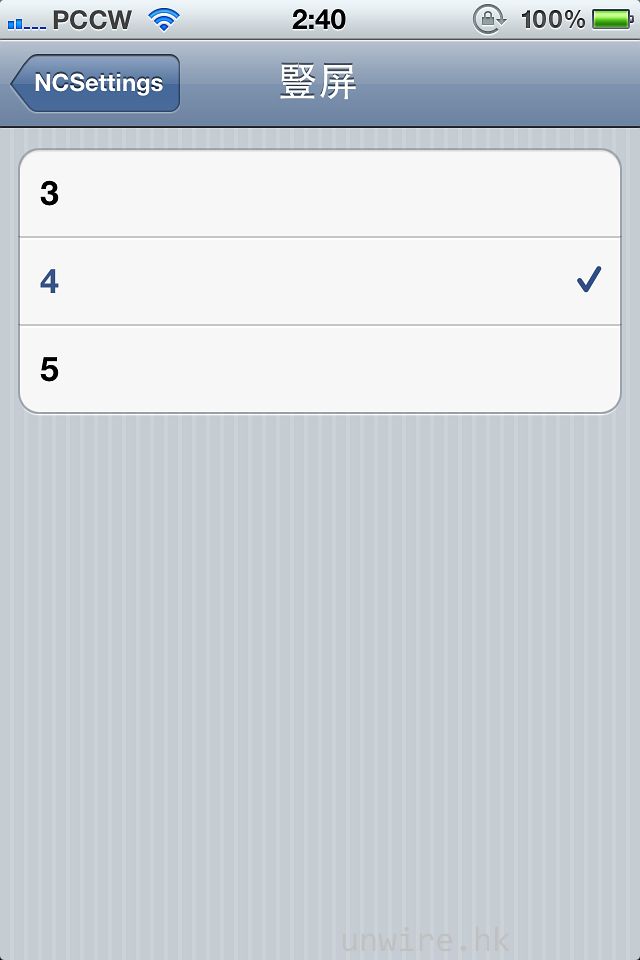
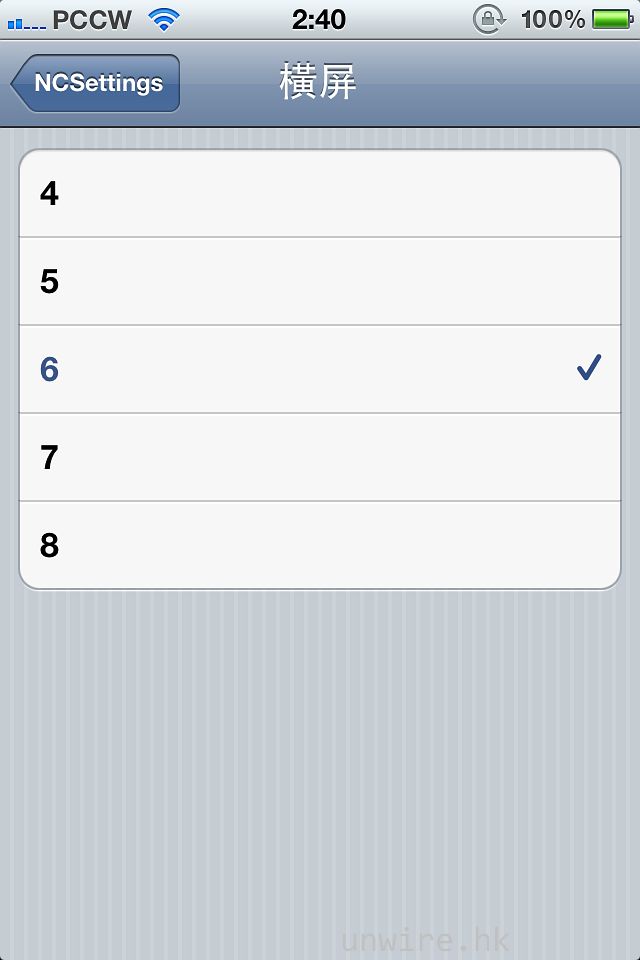
亦可以設定在直向或橫向屏幕顯示時,一次過顯示多少選項。
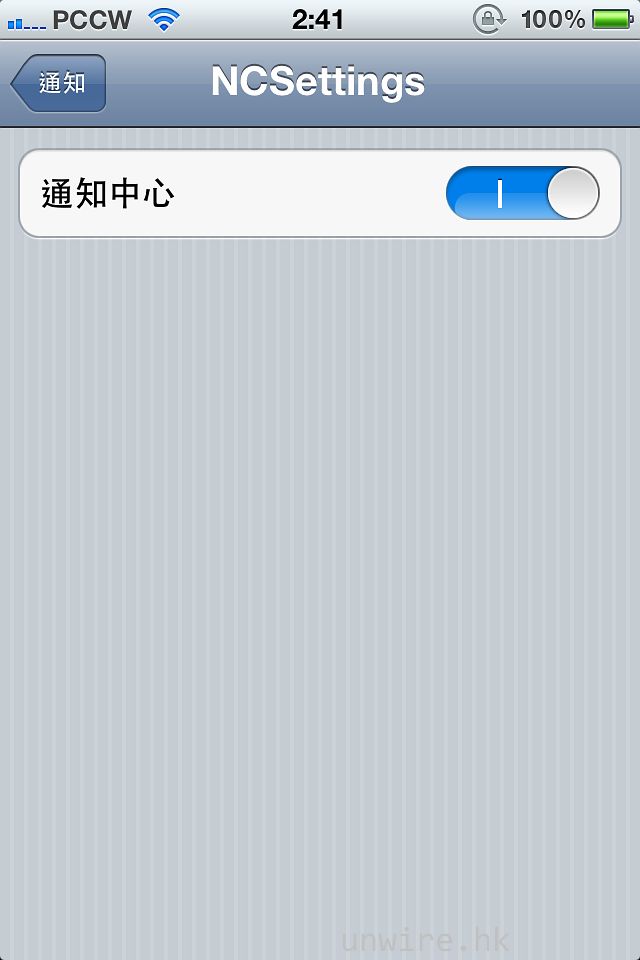
設定完成後,回到「設定」,再點按進入「通知」,然後拉至菜單最底部,點按「NCSettings」,並在通知中心旁選擇開啟。
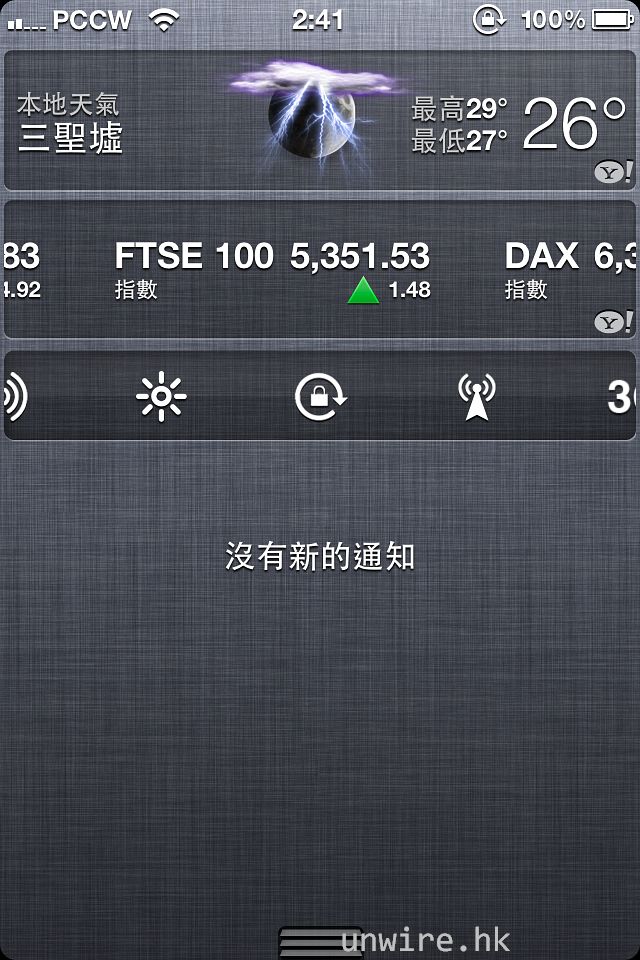
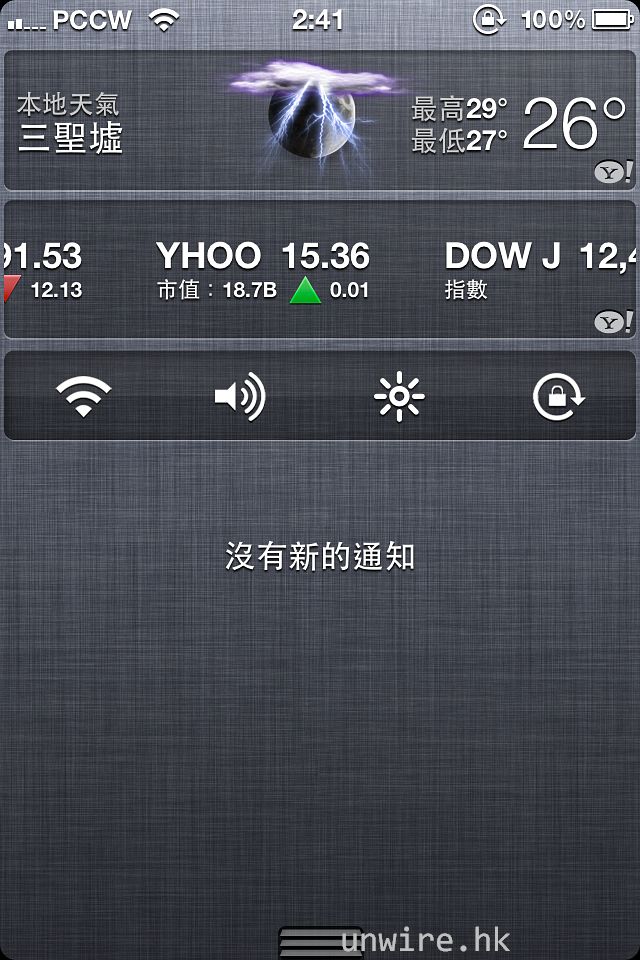
設定至此完成!只要從屏幕頂部向下拉,就可以在通知中心看到 NCSettings 的操控介面了。
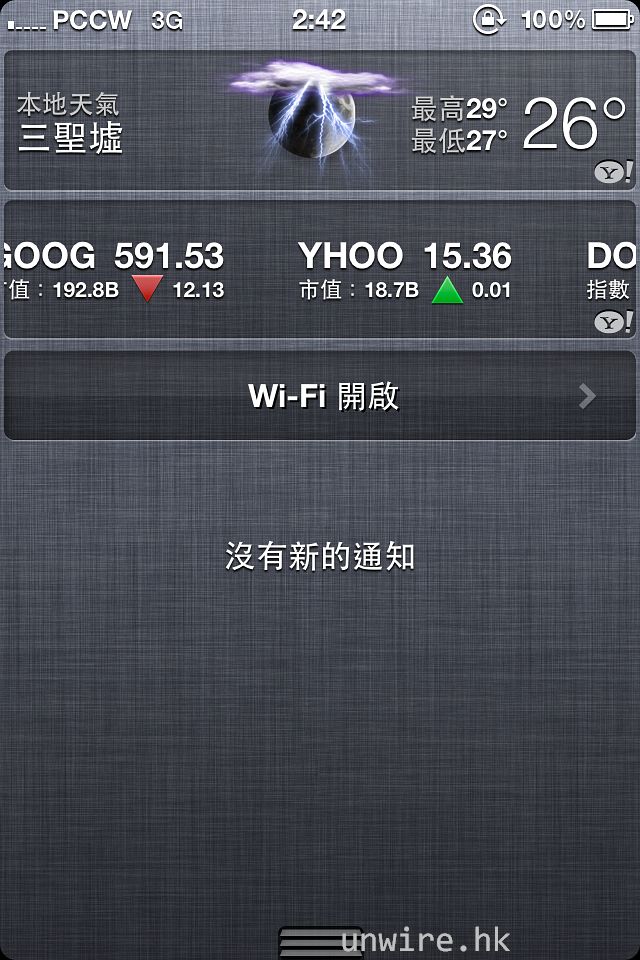
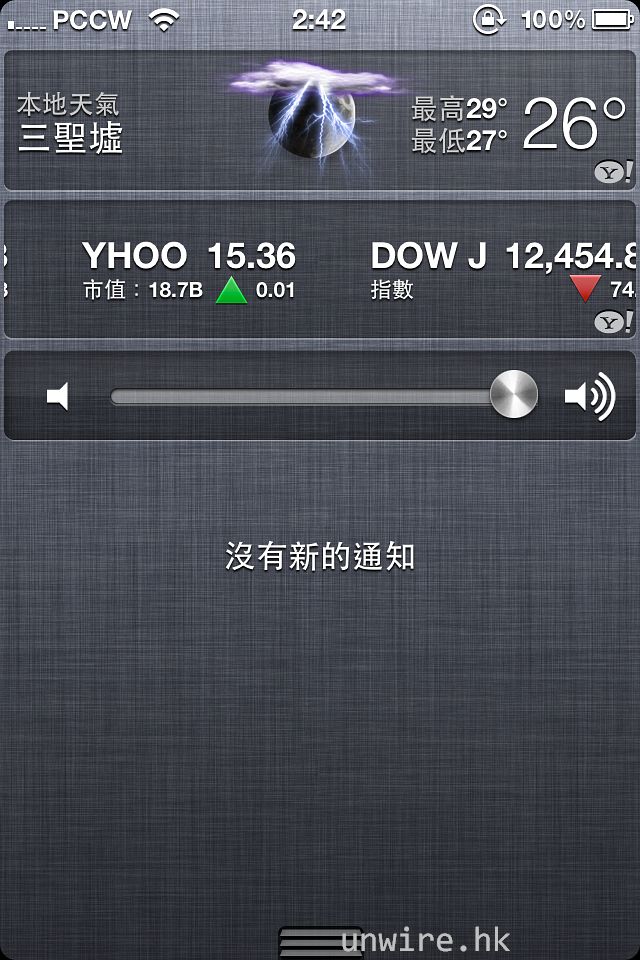
點按圖示,就可以開關或調整不同選項。
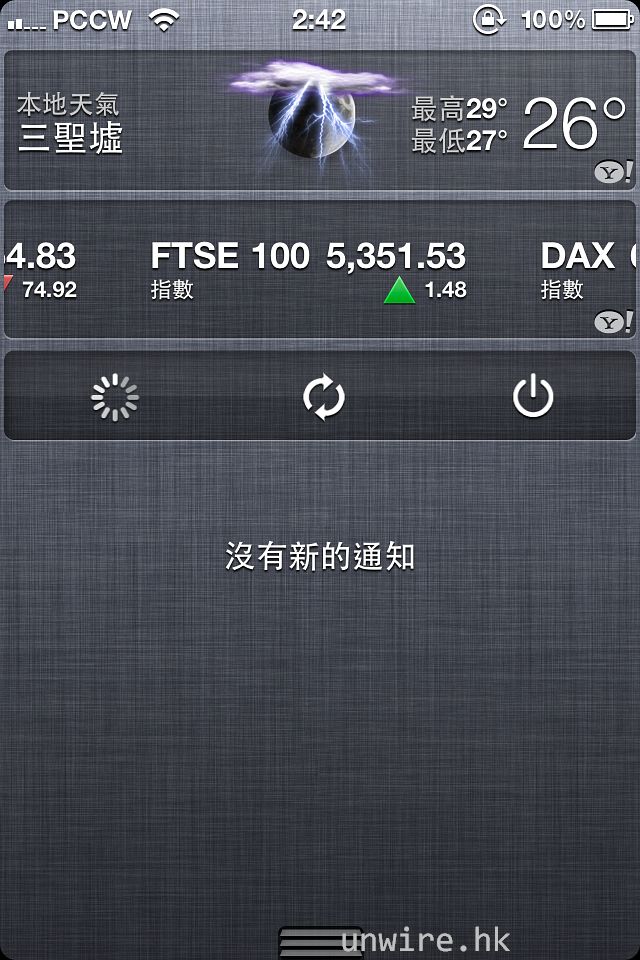
亦可以在此選擇重新整理 Springboard、重新啟動手機或關閉手機電源。
iOS 版本:
程式名稱:NCSettings
容量:325.2kB
研發公司:ModMyi
支援平台:iPhone、iPod Touch、iPad
收費:免費
下載關鍵字:Cydia -> NCSettings
分享到 :
最新影片


但小編最近就找到另一款更容易使用的類似功能程式 NCSettings,它將整個操控面板收藏在通知中心內,使用上比 SBSetting 更方便! <— SBSettings (注意有s)也可以收藏在通知中心內,你不是不知道吧? =.=
Thanks for sharing exceptional informations. Your site is quite great. I’m impressed by the details that you simply have on this site. It reveals how properly you comprehend this issue. Bookmarked this world wide web web page, will return for extra posts. You, my friend, ROCK! I found just the information I already searched all over the place and easily couldn’t run into. What an ideal website.
return man 2
I am sure this piece of writing has touched all the internet people, its really really fastidious
piece of writing on building up new web site.
http://www.patrickseaman.com/faux-michael-kors-purses