

每次 MS Windows 的升級,都需要更強大的硬件配備才能跑得順,多年來都引來開發者及用家炮轟,說 Windows 過份浪費系統資源。近幾年 MS 開始認真處理這問題, 就好像由 Vista 升級到 Win7 可以令系統跑得更快更省資源,這次 Windows 8 更下一城,全面改變核心架構,比 Win7 更加低的系統需求。 MS 在 Build 大會上向觀眾展示 Windows 8 是如何成為自 Win3.1 變 Win95 後,另一次重大「改革」,以下是 Windows 8 的特點:
跨平台.佔用更少資源
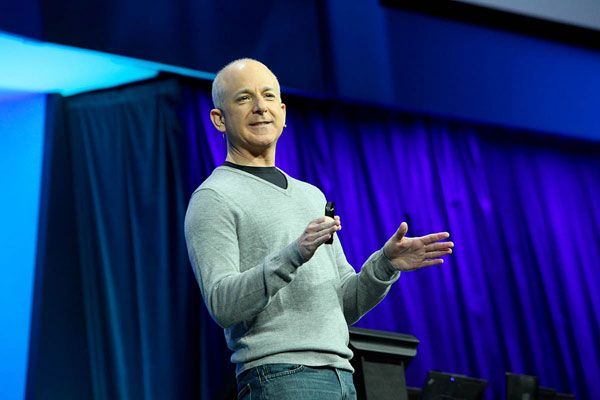
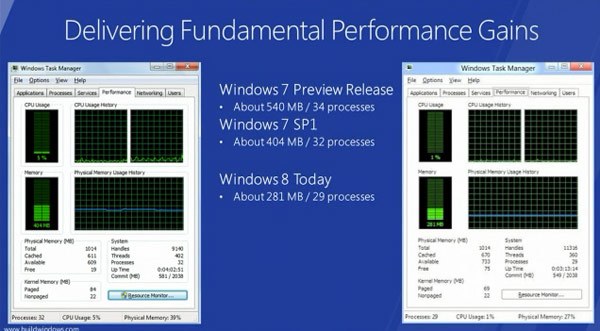
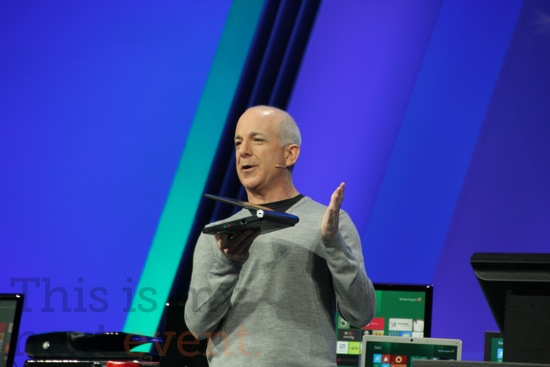
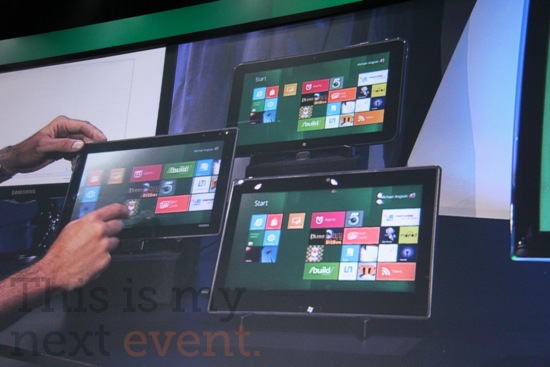
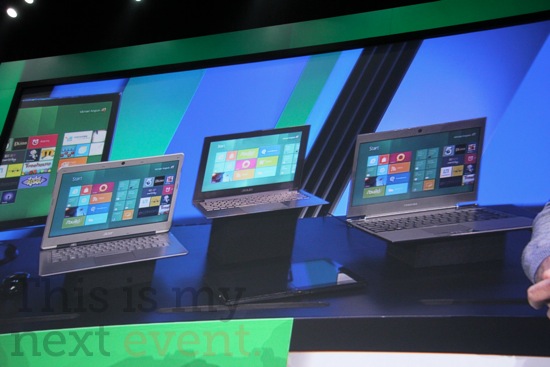
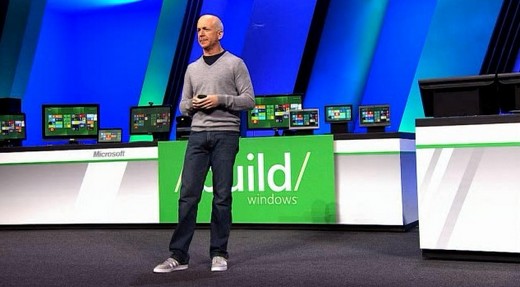
Steven Sinofsky 說 Windows 8 將會比 Windows 7 更快,佔用更低的記憶體及支援 ARM 處理器。他在現場做了個示範,開機後 Windows SP1 在運行 32 處理程序,佔用了 404MB的資源,Windows 8 就只運行 29 個程序,佔用了 281MB 而已! 另一個改變是,以往 Windows 只支援 x86 處理器,現在 Windows 8 更支援 ARM Soc ,因此它可以在一些低功耗的流動裝置上運行,MS 更表示將來的 Windows Phone 8 手機可無縫地連接 Windows 8。
更快的 BOOT 機速度
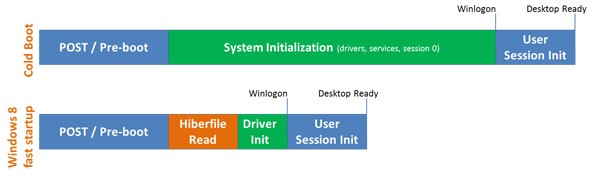
在 build 大會上主持人再一次示範 Windows 8 的 Boot 機速度有多驚人! 新 Windows 8 使用更聰明的 bootup 方法,把平常開機偵測硬件及加入 drvier 的步驟,寫入一個休眠的檔案中,如果硬件沒有重大改變的話,每次開機讀取這檔案就可以了,不用重新偵測,大大節省起動時間。究竟有多快,看看以下官方示範就知道了!
傳統 / Metro 介面同時並存
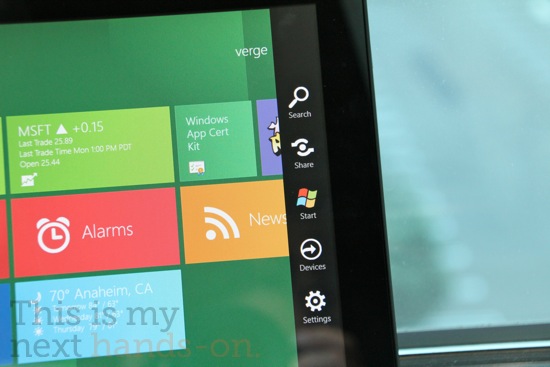
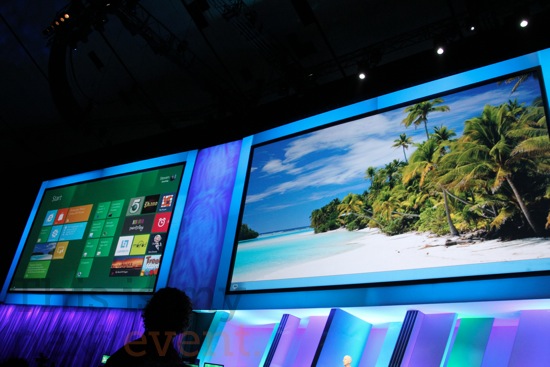
Windows 8 同時並存兩種介面,一種是類似 WP7 的 Metro 介面,以顏色區塊、大文字、大 ICON 為主,此 UI 是為方便觸控用家而設,例如 Tablet 及 TouchMon PC ,另一種就是傳統 Windows UI 。這兩類介面用家可以實時切換,用家甚至可在多熒幕模式下,一個熒幕運行 Metro 介面,另一個是傳統介面亦可。現時 Windows 系列按左下角就會彈出 Start Menu,在 Windows 8 上 ,用家一按左下角的 Windows Icon 就會彈到 Metro 介面,在介面中各位可以更輕易啟動程式、設定及進行搜尋,換句話說 Metro 介面就取代了傳統的Start Menu 。
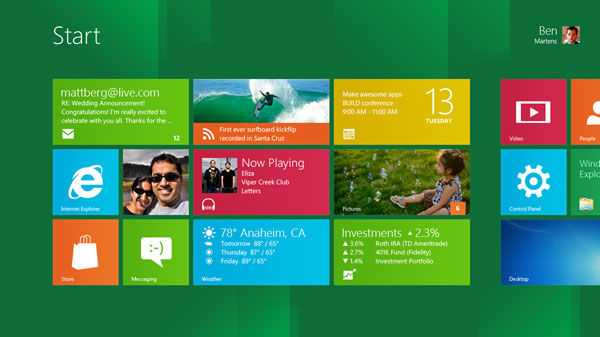
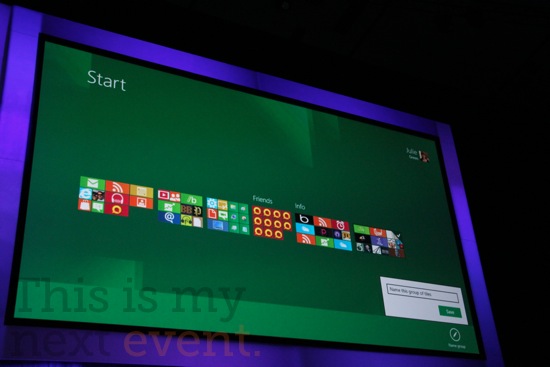
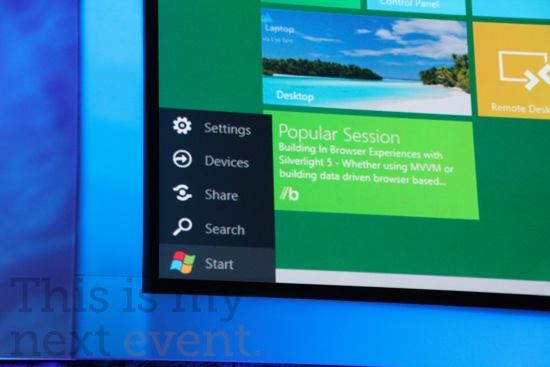

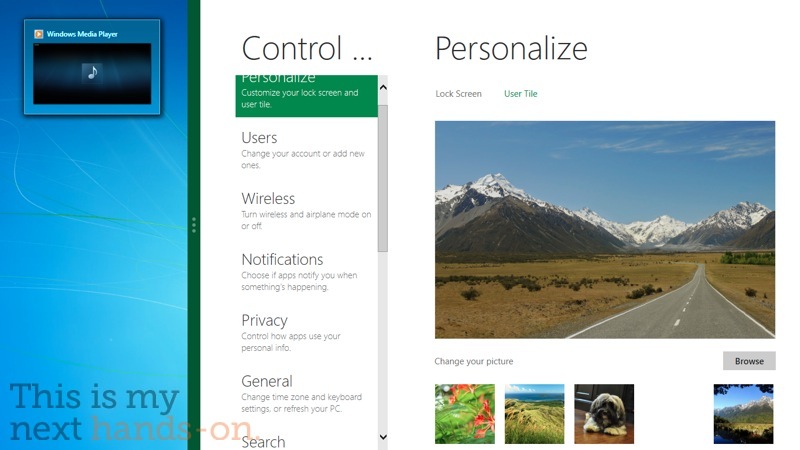
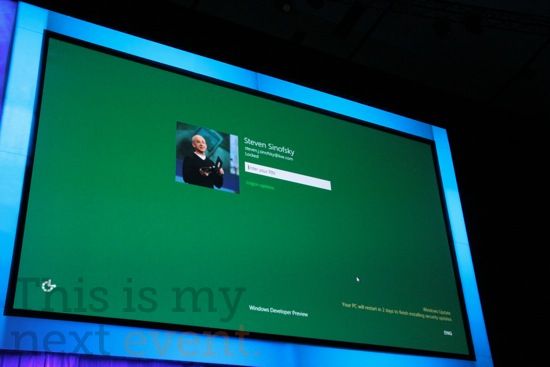
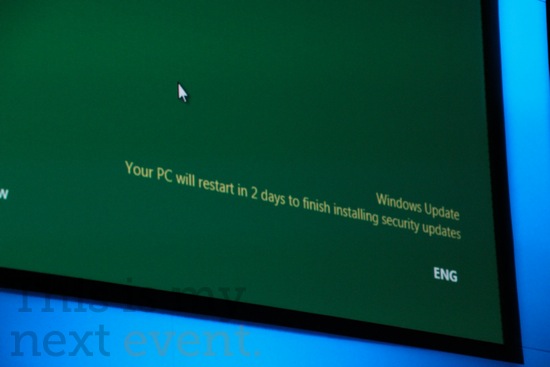
Windows 8 Metro + Classic 介面示範視頻
更清晰的工作管理員
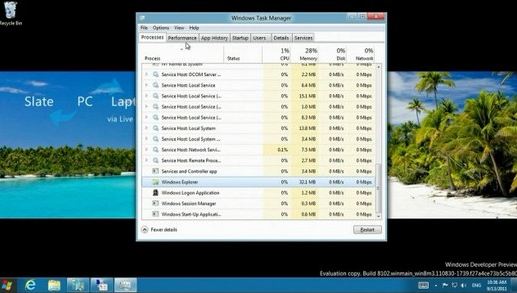
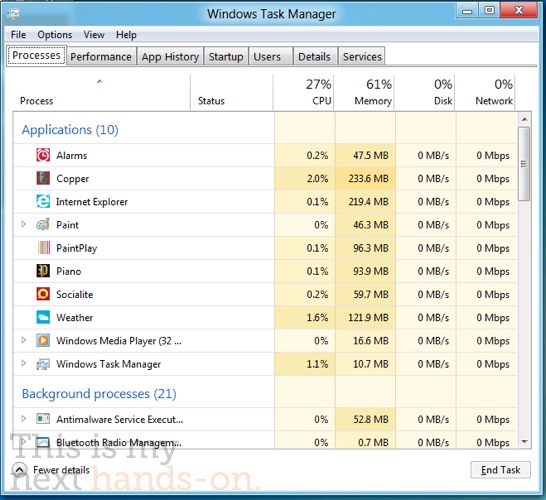
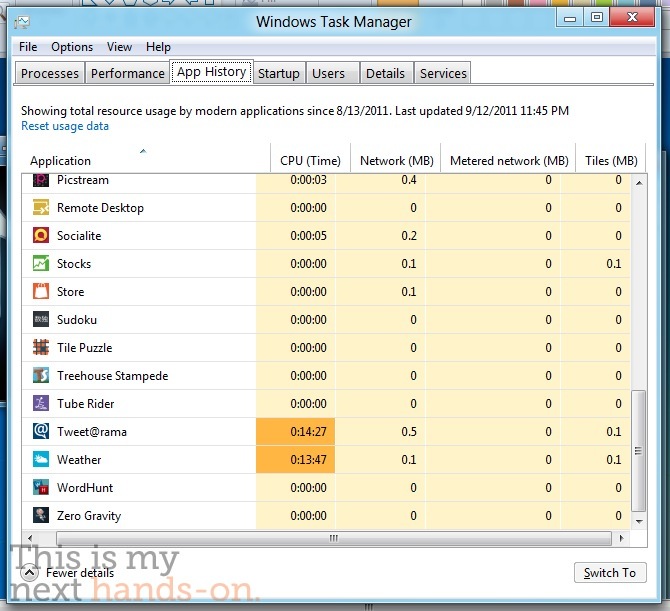
Windows 8 的工作管理員 (Task Manager) 可以顯示更清晰的資訊,每一個 Apps 下用多少 CPU 、記憶體、媒體讀寫及網絡資源都一目暸然,用家更可在 App History 中看到已關閉的程式資源佔用紀錄。
程式集中地 – Windows Store
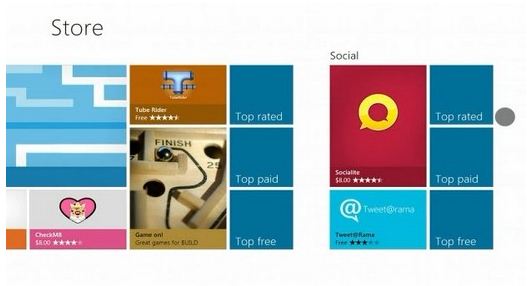
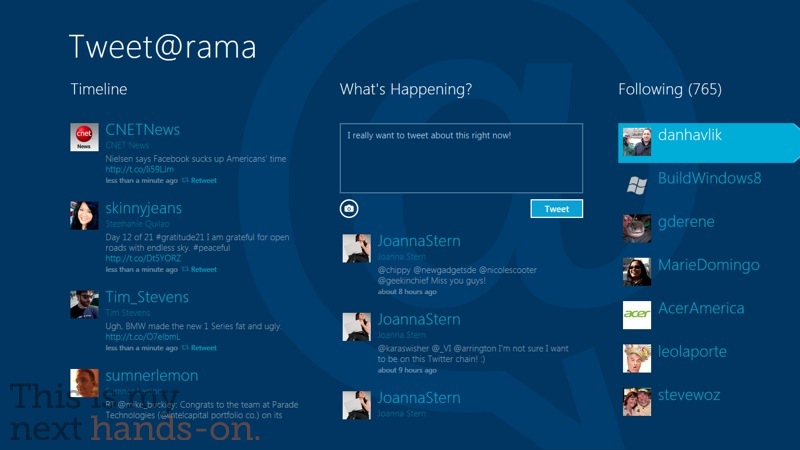
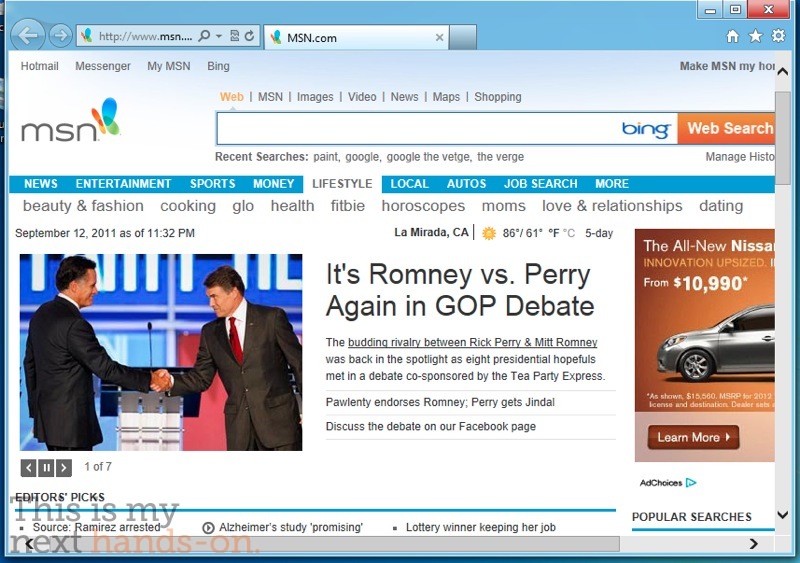
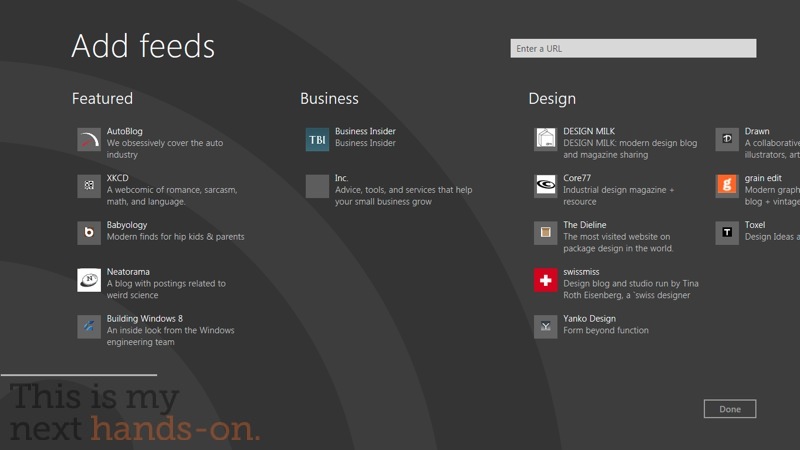
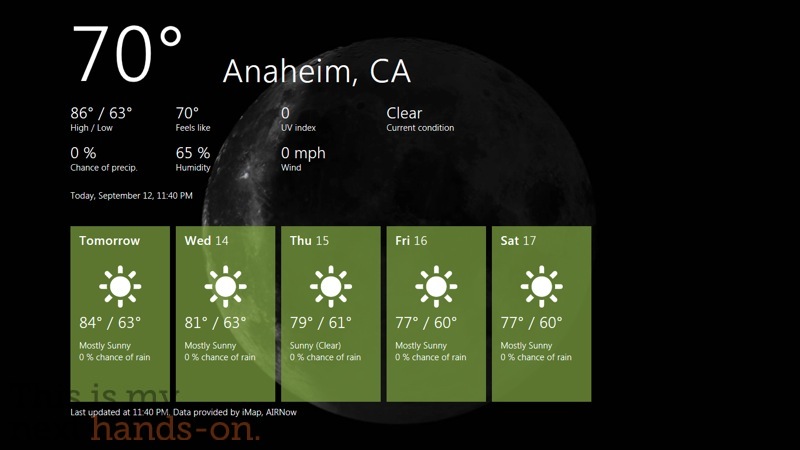
如 Apple 的 App Store 一樣,MS 就擁有「 Windows Store」,不論 Metro 或傳統介面的程式都可以在裡面找到,方便顧客免費試用及購買程式。Windows 8 其實本身已內置不少基本 Apps ,如行事曆、聯絡人、PDF 閱讀器、Email 程式、IE 10 、RSS 、股票、天氣、Twitter、Facebook ….等等。

一鍵讓系統「回春」
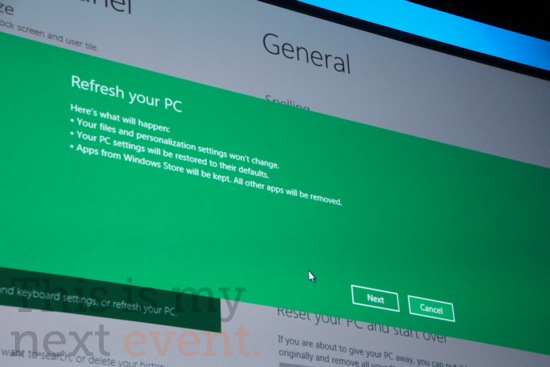
Windows 運行日子越久就越慢,除了系統本身的設計不完善外,一些寫得比較差的程式亦會亂佔用記憶體。Windows 8 提供了「Refresh」功能,能保持用家的個人設定下,把多餘的垃圾及程式清洗,更回復正常的速度。另外用家可以選擇 Wipe 功能,把全部設定及紀錄清洗,讓 Windows 回到剛安裝好時的環境,減少用家「重裝」Windows 的麻煩。
雲端同步
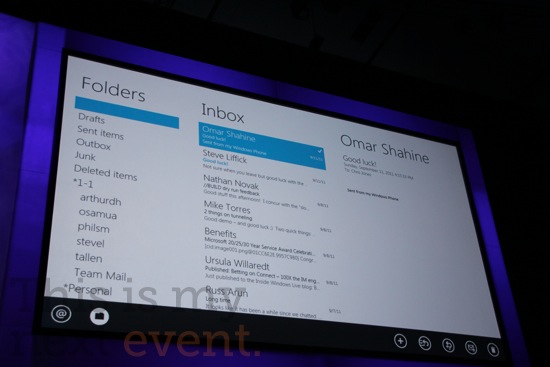
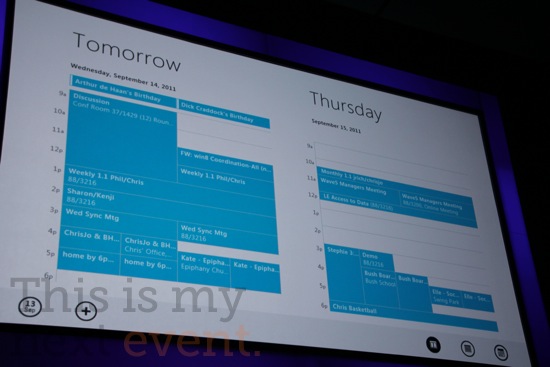
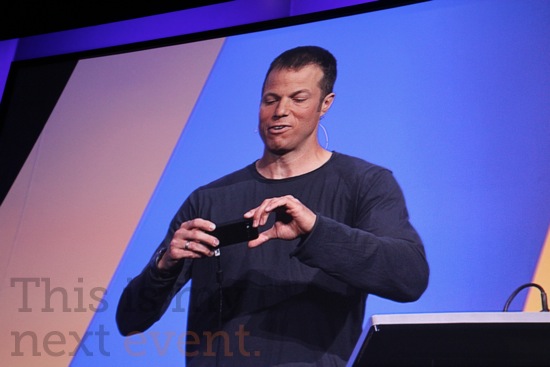
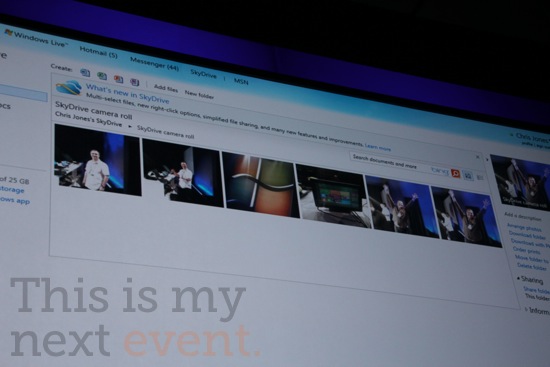
Windows 8 內置結合了 MS 最新的雲端服務,全新的 Mail , Photos , Calendar , People 可以跟不同的 Windows 8 / Windows Phone 7 平台同步,中間的雲端儲存就用了 MS 的 SkyDrive。另外 MS 亦提供了 SkyDrive 的 API ,讓程式開發員更容易為自己的 Apps 連接 SkyDrive 。舉例說,一個使用了 SkyDirve API 的 Windows Phone 拍照程式,拍照後可即時存到 SkyDrive 中,其他 Windows 8 平台亦可以在系統上同步手機裡的相片。
總結 : MS 誠意十足
看來這次 Windows 8 的推出已經不是小升級,其實 MS 一直都想在不同的平台上,保持相同的用家經驗。不過上一代 Windows Mobile 實在太爛,Windows 7 的 Tablet 支援又不夠 User-friendly,令 MS 的大計完全失敗。今次 Windows 8 重新改寫了很多東西,不單系統要求更低,加上 ARM 的支援、Metro 介面、雲端同步下,可以看出今次 MS 有很大實現跨平台的決心,要「來真」的喔!不過筆者很希望 MS 能照顧老一派的倉頡用家,新倉頡輸入法實在很不好用,很多行家都把 WinXP 的倉頡加到 Win7 上才能解決問題,希望 Windows 8 可以保留這個「破解」方法吧。
來源 :
http://live.thisismynext.com/Event/Microsoft_Windows_8_BUILD_keynote
分享到 :
最新影片


好樣既design
今次做到了有針對性改善,若然真的跟大會上所demo是一致,我也會想一試這個新os
用戶意見…就是改變…
win8…真係好吸引…down beta版…試玩下…都唔錯 @@
當 MS 推出 win 8 及 metro ui 一段時間後, 用家對 metro UI 或 wp7 類似 ui 既接受情度就會突然明顯提高, 到時 ms 借 win8 就會帶動更多用家購買 wp7 手機或日後既 win8 tablet, 呢個應係 ms 所打既如意算盤吧.
Win8 話 support ARM CPU
Android 又話會 support Intel CPU
第時會唔會同一個hardware有兩款pre-load os揀?
Intel CPU + Win8 $5000 (因為windows通常都要買license)
Intel CPU + Android $4300
ARM CPU + Win8 $4000 (斷估用得ARM個Spec都會差過PC卦)
ARM CPU + Android $3300
到時如果budget $4000買機實頭痕到爆呀!!!!!
樣衰左﹐少d花臣﹐當然係快左
比apple,google步步進迫才醒覺,睇下win8點樣,vista,win7哈..哈….
我無記錯既話 W7 係 MS 史上最賣得既 OS.
4382267 beers on the wall. sck was here
I think that you can do with a few pics to drive the message home a little bit, but instead of that, this is fantastic blog.
Virtually all of what you claim happens to be astonishingly legitimate and it makes me wonder the reason why I hadn’t looked at this with this light before. This piece really did turn the light on for me personally as far as this subject matter goes. But there is one particular position I am not necessarily too comfortable with and whilst I try to reconcile that with the core idea of your position, let me observe exactly what the rest of your readers have to point out.Very well done.
Thank you for your own work on this web page. Kim really likes working on internet research and it’s really obvious why. A number of us know all about the dynamic mode you offer valuable strategies by means of the website and even welcome participation from other people on this issue and our favorite daughter is discovering a great deal. Enjoy the remaining portion of the year. You have been conducting a really great job.
I like this weblog very much, Its a real nice post to read and find information. “You can never learn less, you can only learn more.” by Richard Buckminster Fuller.