

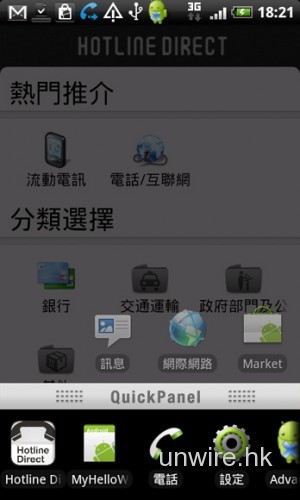
使用Android時,若要跳到不同的程式,就要按Home按鈕再從程式選單中揀選。若果該程式正在執行中,則可長按Home按鈕。在安裝QuickDesk軟件後,就能令Home按鈕更加實用。根據指示設定,把QuickDesk變成預設的Home Launcher即可。
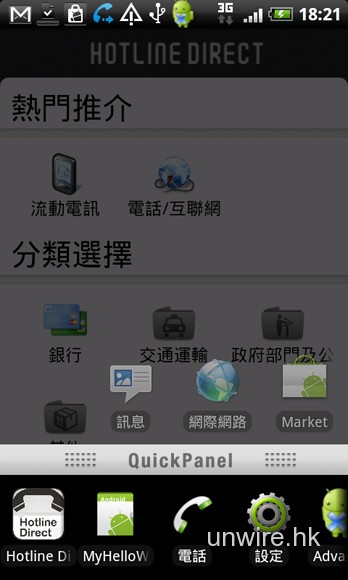
將來使用任何程式時,雙按Home按鈕,就會出現上圖的畫面。下方會有QuickPanel跳至不同開啟中的程式,上方則有一些常用的捷徑。此時按Menu按鈕,再選擇Edit進入編輯模式,便可隨意加上不同捷徑,令自己的Android手機更加好用。QuickDesk本身分測試版和專業版,前者免費,後者則要約HK$15左右。
分享到 :
最新影片


Howdy, I needed to ask you something. Is this site a wordpress blog? My business is thinking about moving my site from Blogger to wordpress, do you think that is achievable? Additionally did you design the following template yourself some how? Many thanks for your assistance!