

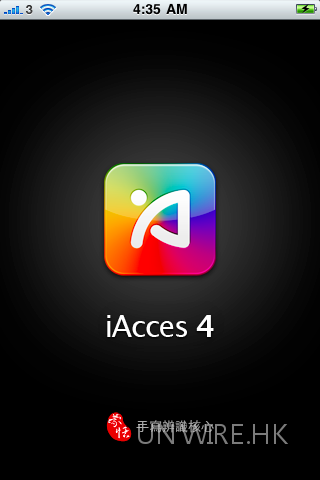
很多港人抱怨 iOS4 沒有速成輸入法,而且原生的倉頡亦不好用,輸入時速度慢。最新的 iAcces for iOS4 就可以解決這些問題了!它不單輸入速度快,而且有很多常用中文輸入法供選擇,比原生的腦殘倉頡輸入好得多了,我覺得 Jailbreak iOS4 最有價值除了安裝 SBsetting 外,最有價值就是 iAcces 了
首先要說明,iAcces 必需要在 Jailbreak 下才能安裝,現時只有 iPhone 2G/3G 的 iOS4 有 Jailbreak,iPhone 3Gs 就只有 51 週前生產的舊機才能 Jailbreak。
Step1 :
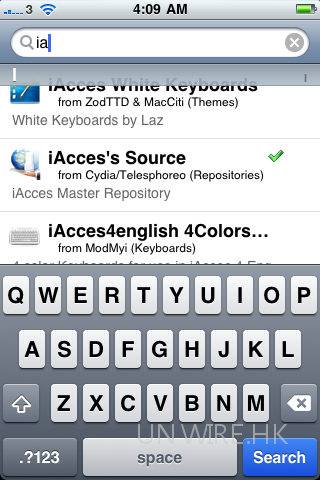
到 Cydia 裡選擇 Search,鍵入 iAcces 會找到 iAcces’s Source,點擊並安裝
Step2:
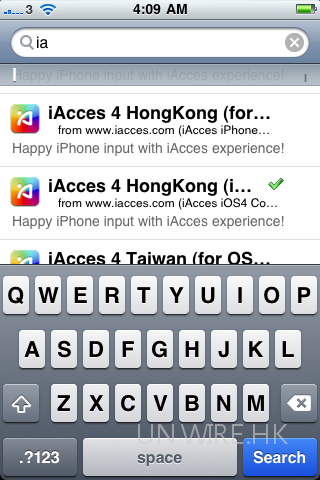
安裝好後再找尋 iAcces ,你會看到 iAccess 4 HongKong( iOS4 ..) ,選擇並安裝注意一定要是 iOS 4 喔
Step 3 :
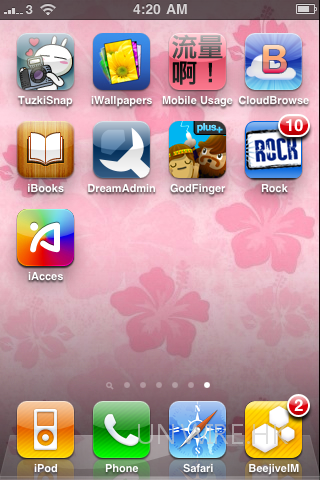
重啟後你會看到 iAccess 圖示
Step 4
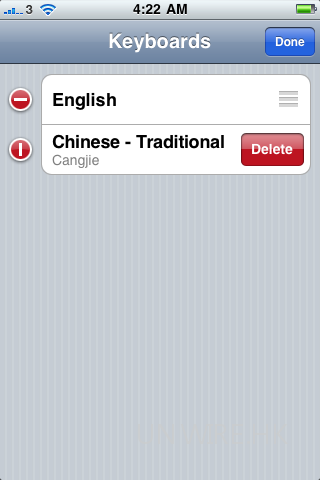
如果你已使用倉頡,先到設定>一般>國際>鍵盤,按 EDIT 先把倉頡刪除
Step 5
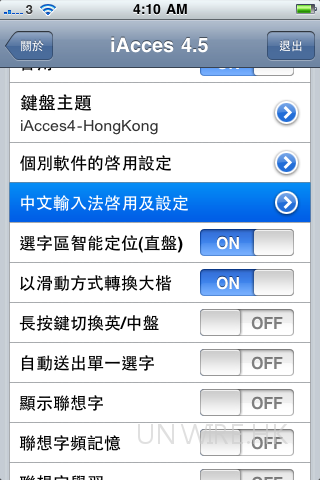
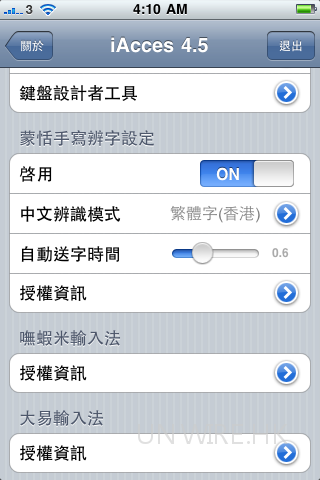
回到 Home 後按 iAcces 進入設定,選擇中文輸入法啟用及設定
Step6
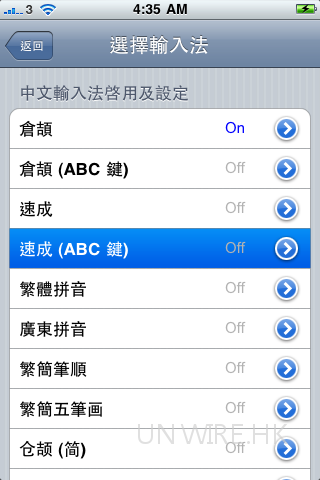
這裡有很多種輸入法,強烈建議只選取自己使用的輸入法,然後把其他的關掉
Step7
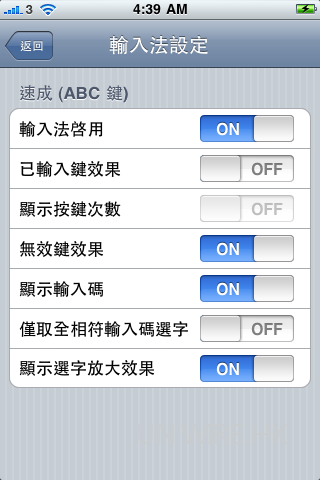
進入輸入法後,「輸入法啟動」可以設成為啟用/不啟用,若果你不使用的輸入法強烈建議關掉,除了節省記憶空間外還方便中/英切換
Step8
除了各種輸入法外,它還有手寫認字,Apple 原生的手寫輸入法是靠認筆劃為主,這個蒙恬手寫是以筆劃 + 字型辨認,對大部份人來說這個方法的認字率比較高
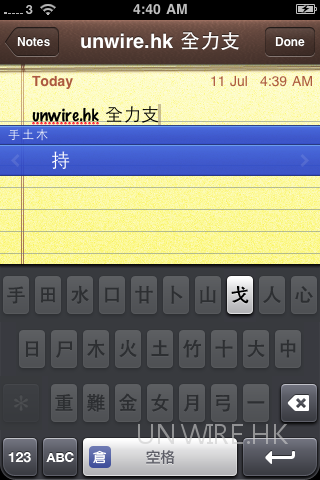
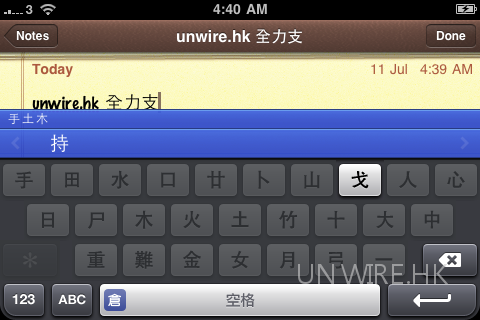
無論排位和設計都比原生中文倉頡鍵盤美觀
分享到 :
最新影片


You can certainly see your expertise in the work you write. The world hopes for more passionate writers like you who aren’t afraid to say how they believe. Always go after your heart.
Thanks a lot for sharing this with all of us you actually know what you are talking about! Bookmarked. Kindly also visit my web site =). We could have a link exchange arrangement between us!